

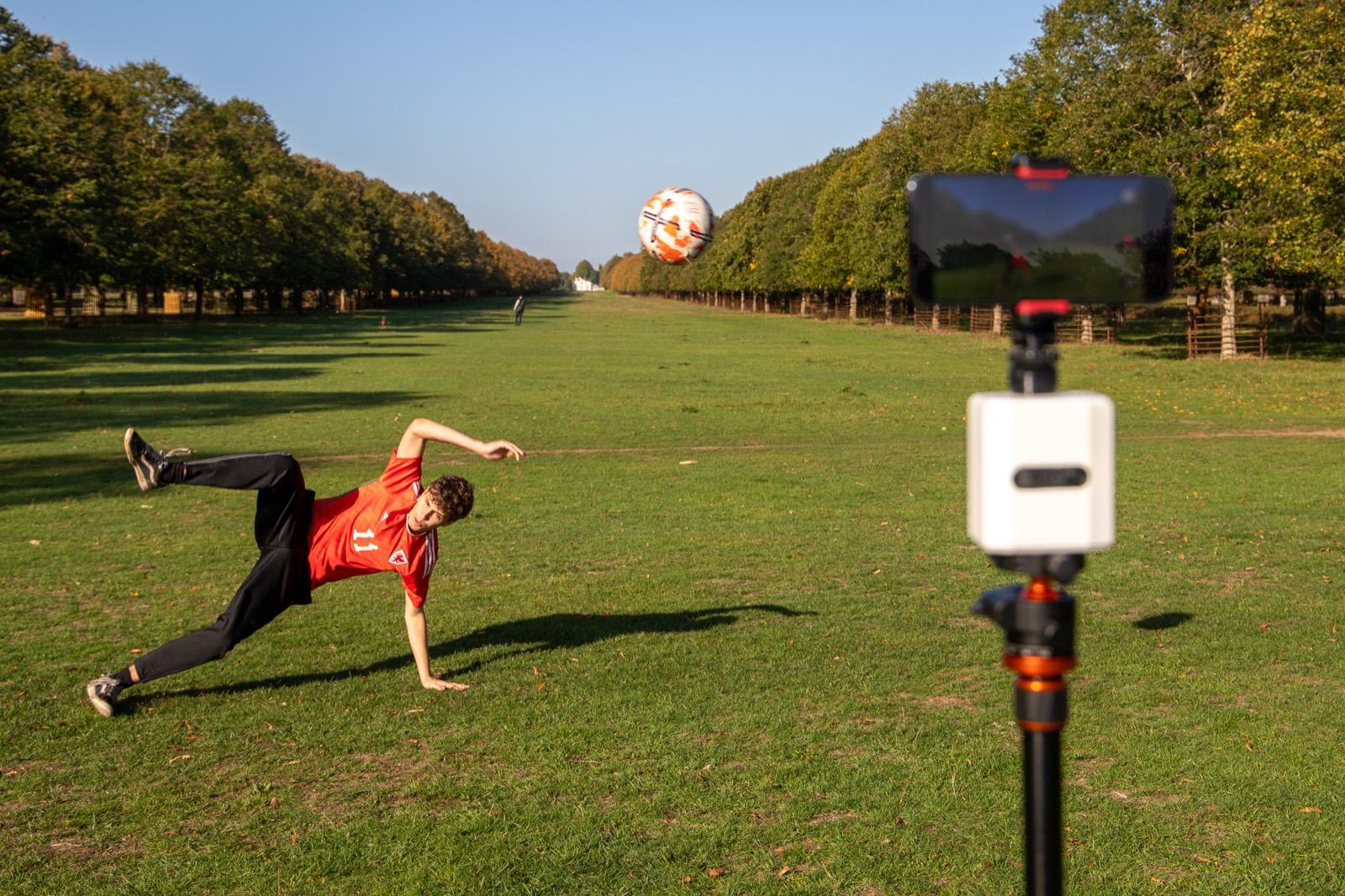
These guides are for members of the Pitchwise Beta Programme. If you have pre-ordered the Pitchwise Mount, your setup will be different — we will send you tailored instructions before your order ships. Not sure which applies to you? Get in touch.
Getting Started
Everything you need to get up and running
Work through these guides in order and you will go from a fresh phone to a shared highlight reel. Each one is a short, step-by-step walkthrough you can follow on matchday.
The learning path
Start here, in this order
 1
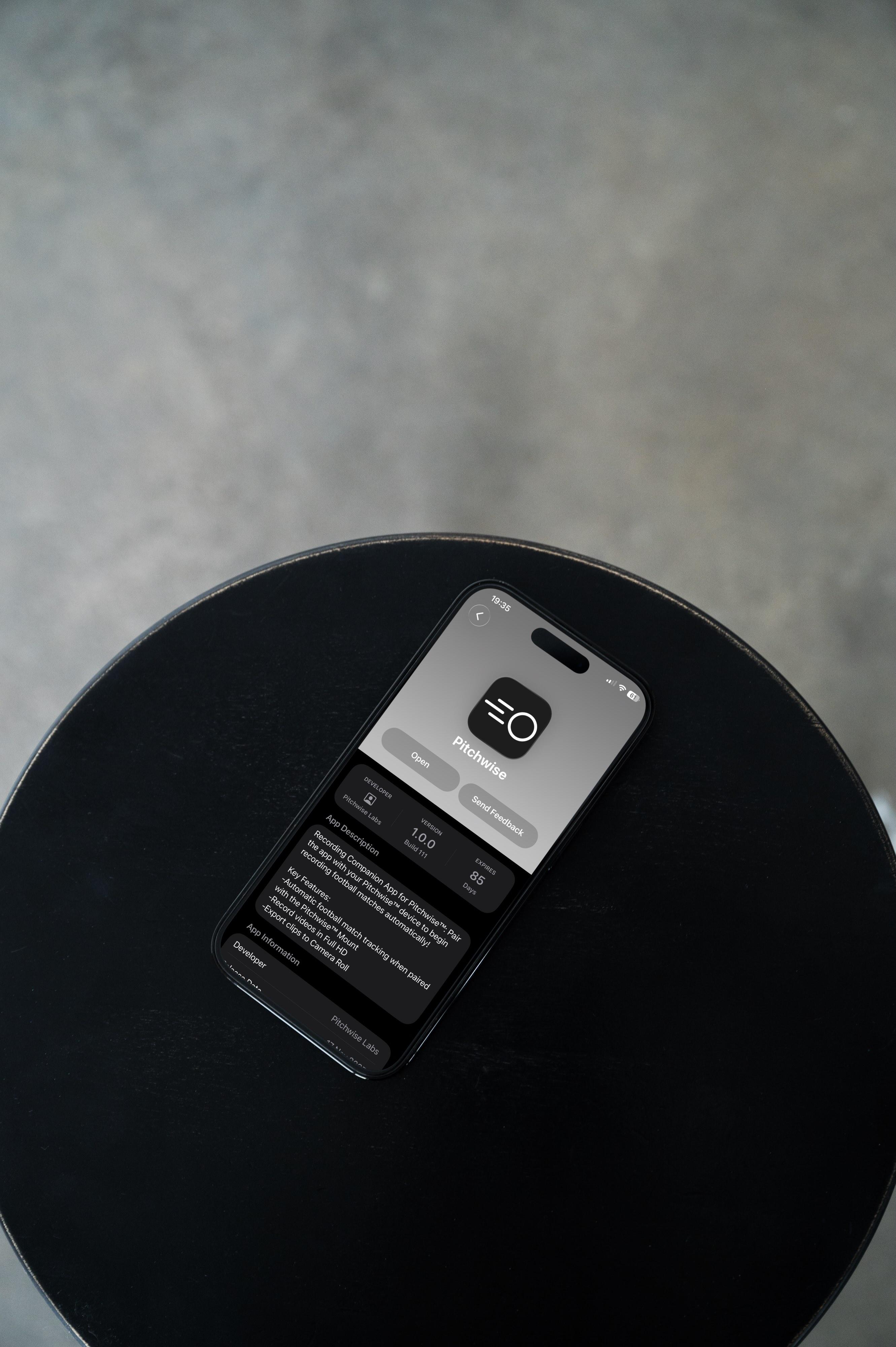
1Installing the Pitchwise app
2 minGet the app onto your iPhone via TestFlight, from tester invite through to first launch.
 2
2Creating your team
3 minSet up your team name, badge, and age group so highlights and graphics come out branded.
 3
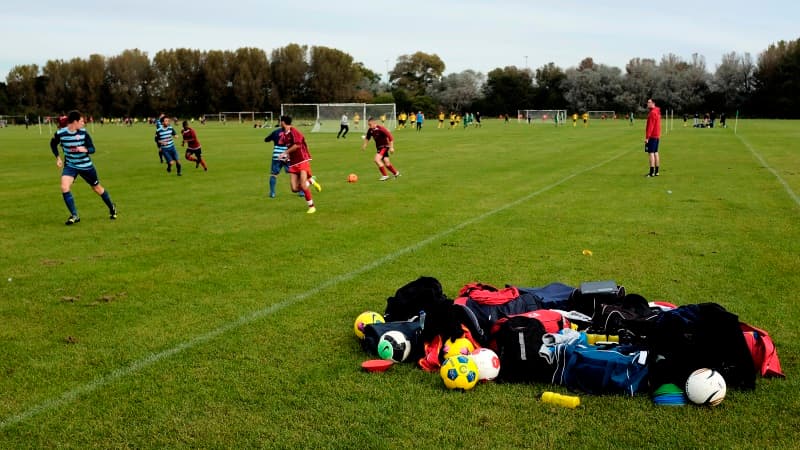
3Creating a match
2 minAdd a fixture with opponent, kick-off time, and venue so your recording is filed correctly.
 4
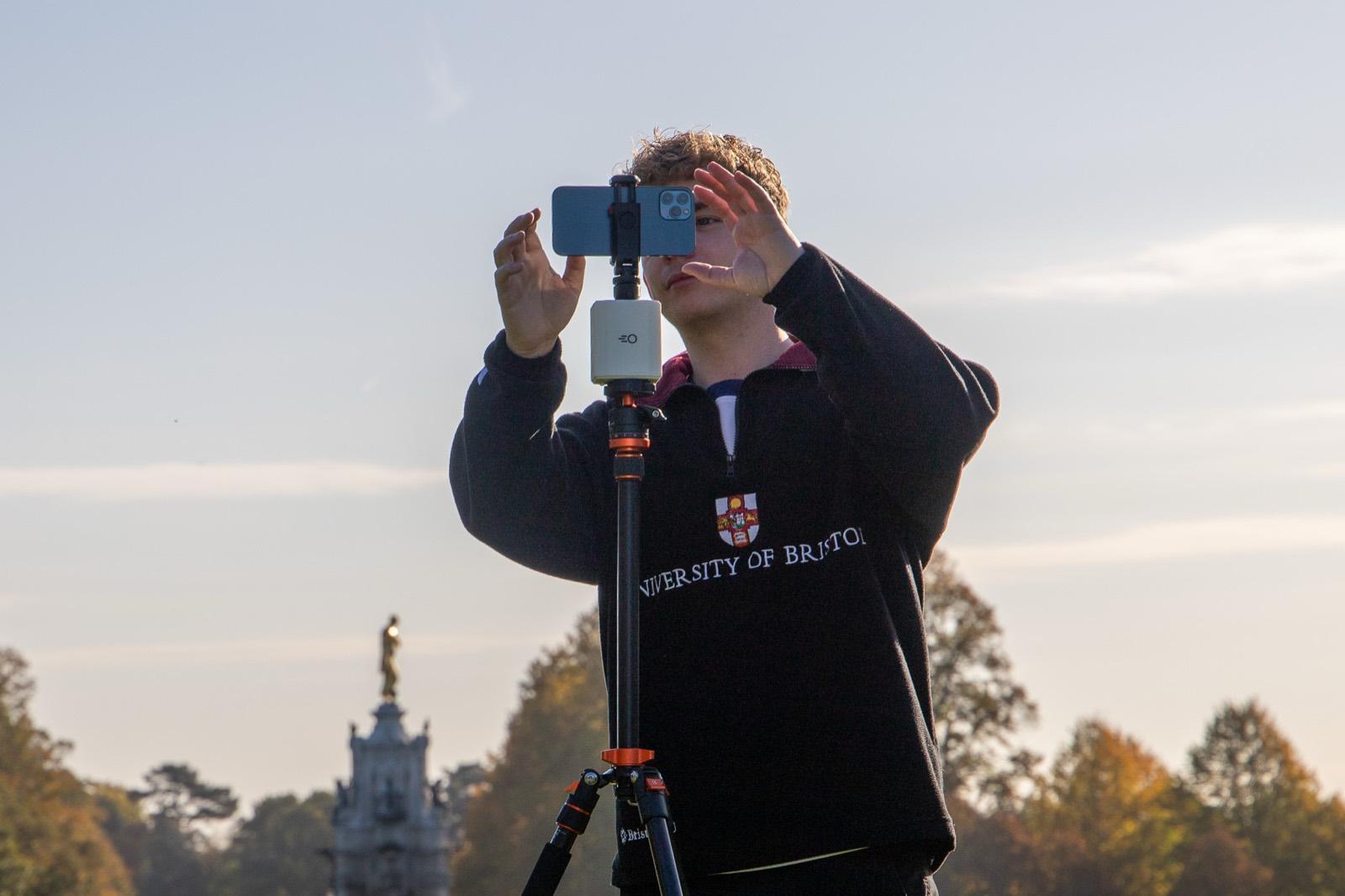
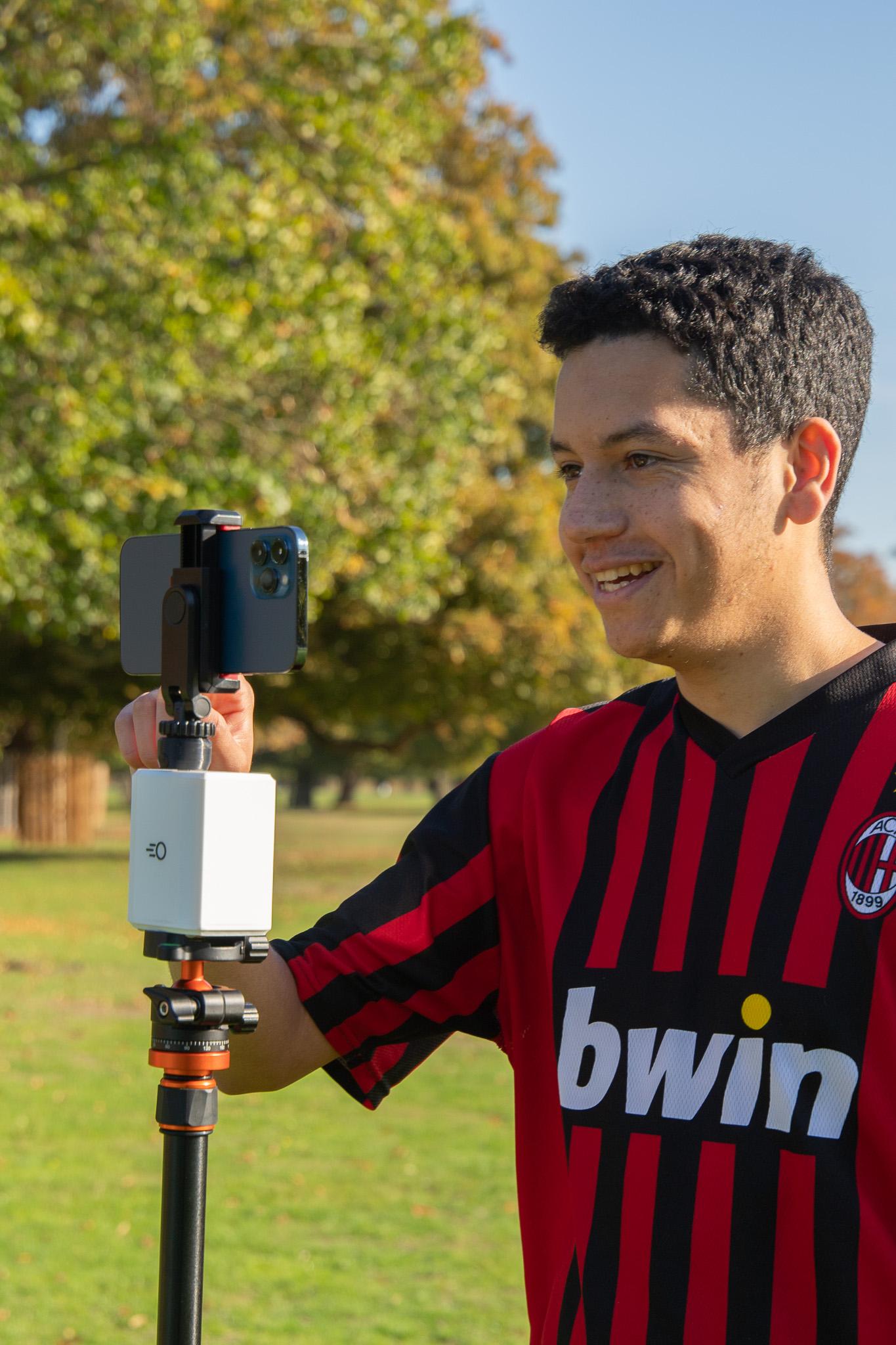
4Setting up and recording a game
5 minCamera placement, matchday checks, and pressing record — the full pitchside workflow.
 5
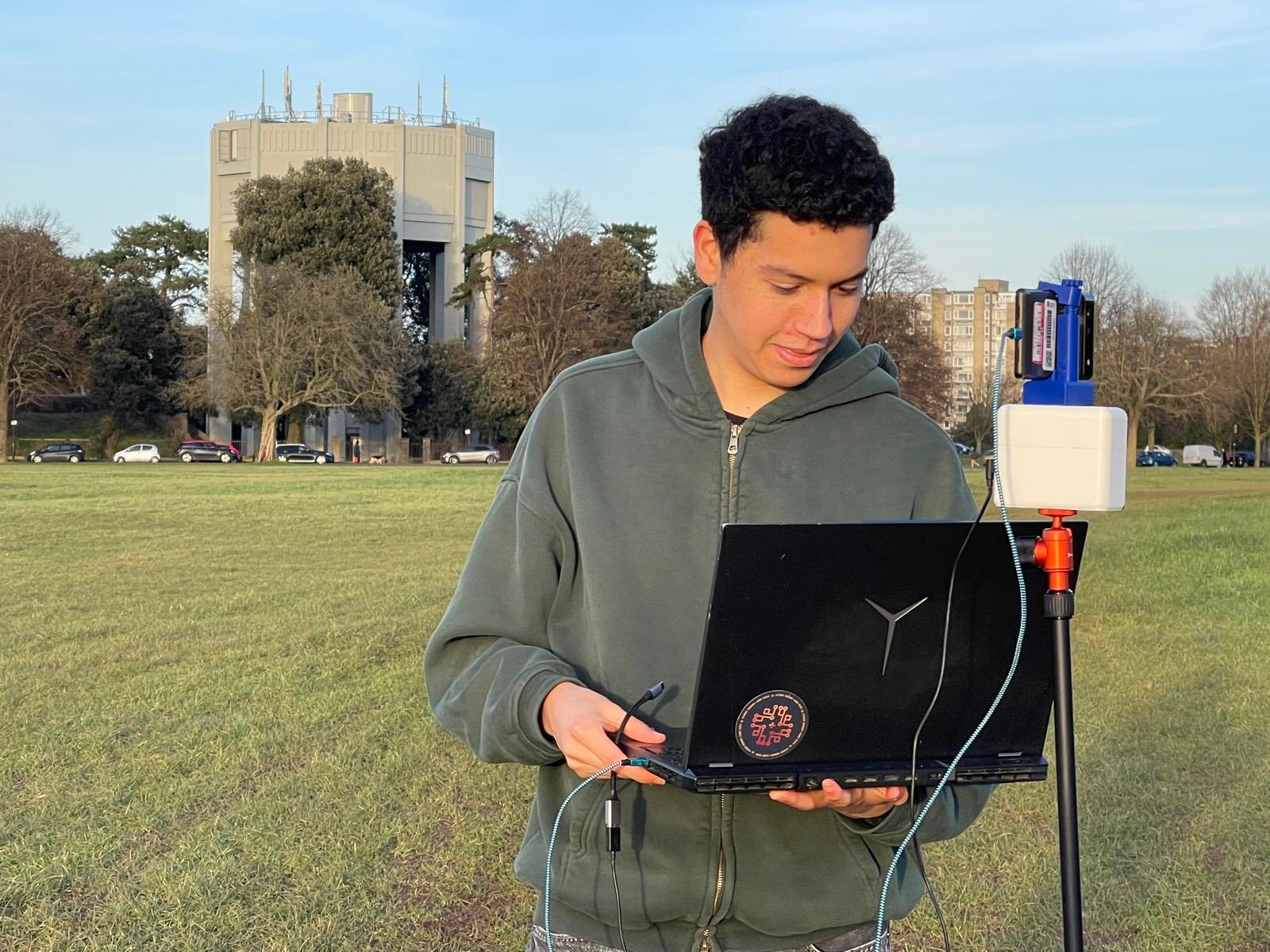
5Reviewing and sharing highlights
4 minCheck your upload, review auto-generated clips and stat cards, then share them with your club.
 6
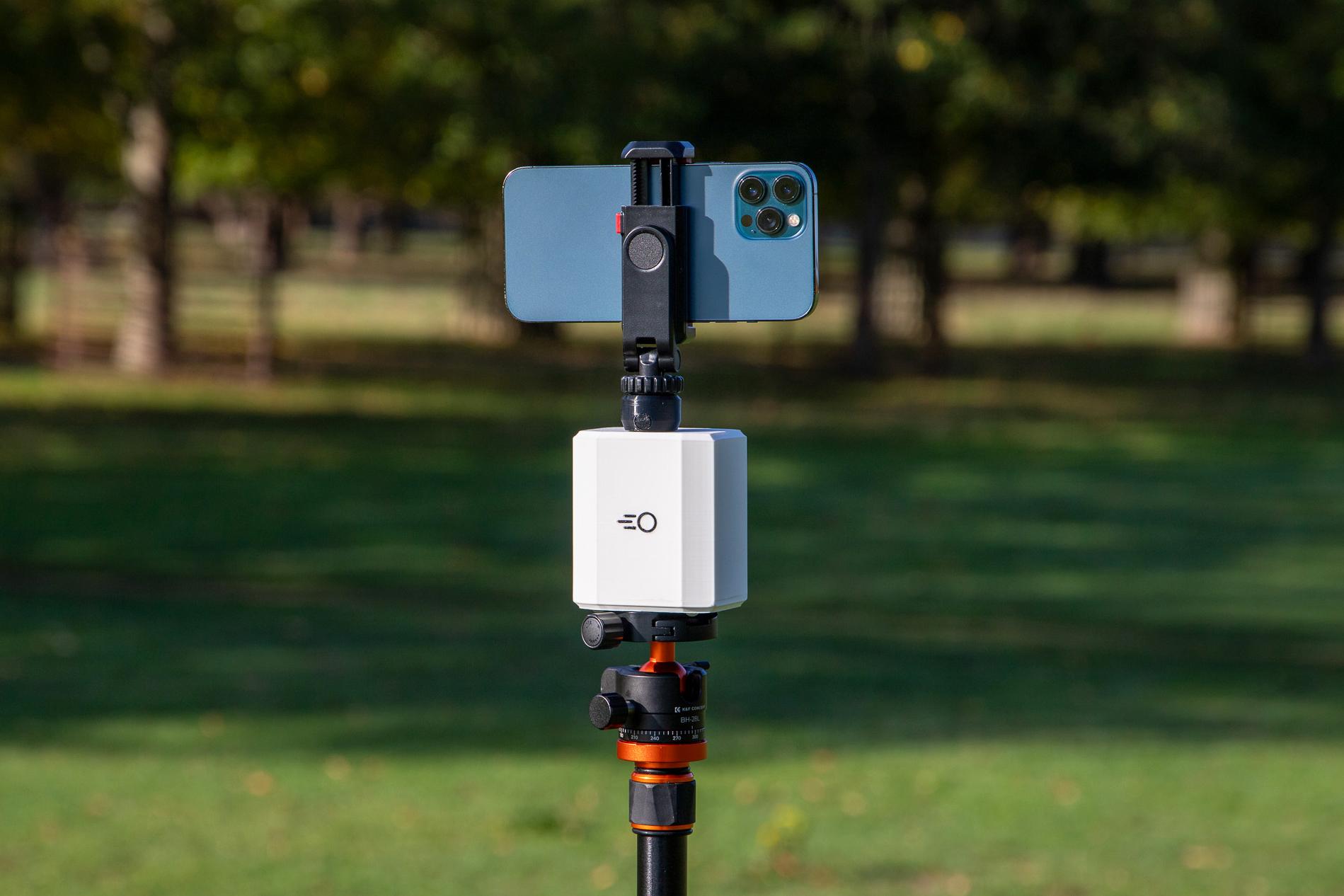
6Pitchwise Mount safety & usage
4 minSafety and usage instructions for the Pitchwise Mount, covering setup, weather, and charging.