

Make sure you've been added as a tester
A Pitchwise team member must add your email to our TestFlight tester list. Please send us the email address you use for your Apple ID — plus any additional emails for teammates who need access.
Check your inbox for the TestFlight invitation
You will receive an email from TestFlight inviting you to join the beta.
Remember to check your junk or spam folder if you don't see it.
Download the TestFlight app
On your iPhone:
- Open the App Store
- Search for TestFlight
- Download and install it (TestFlight is Apple's official app for testing apps before release.)
Open TestFlight and sign in
Open the TestFlight app. If prompted, sign in using your Apple ID(it doesn't have to be the same email that received the invite).
Redeem your invite code
In TestFlight:
- Tap your profile icon in the top right
- Select “Redeem Code”
- Enter the invitation code from your TestFlight email
TestFlight will automatically fetch the Pitchwise app.
Install the Pitchwise app
Once the Pitchwise app appears in TestFlight:
- Tap “Install”
- Wait for the download to complete
- The app will now appear on your home screen
You're all set
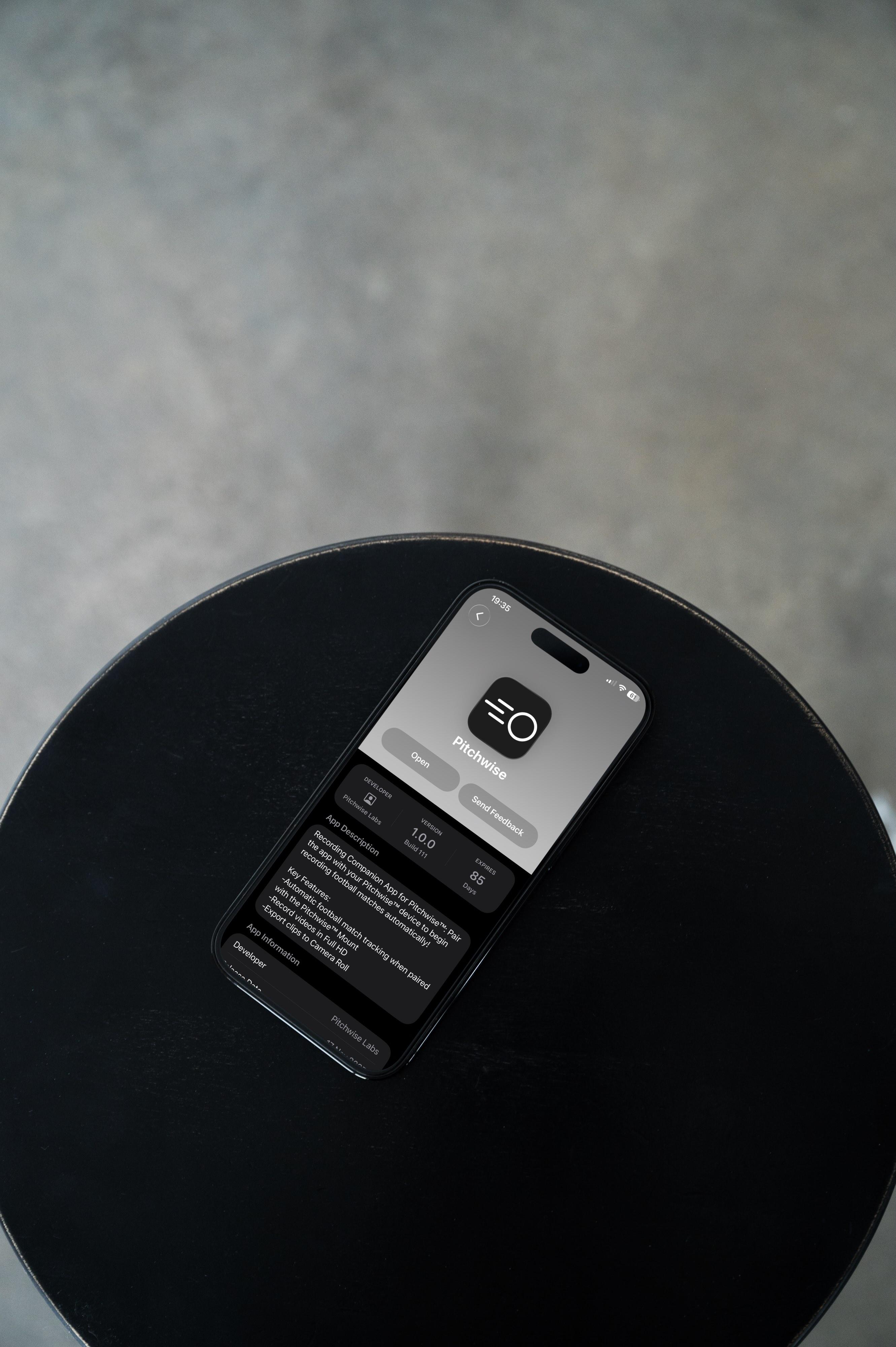
Open the Pitchwise app and you're ready to start testing.